Claude Usage — macOS Menu Bar Tracker
Native Swift macOS app with WidgetKit, AppIntents, and reverse-engineered Claude internal API for usage tracking
4,580Swift lines
SwiftSwiftUIWidgetKitAppIntentsAppKitUserNotificationsCombine
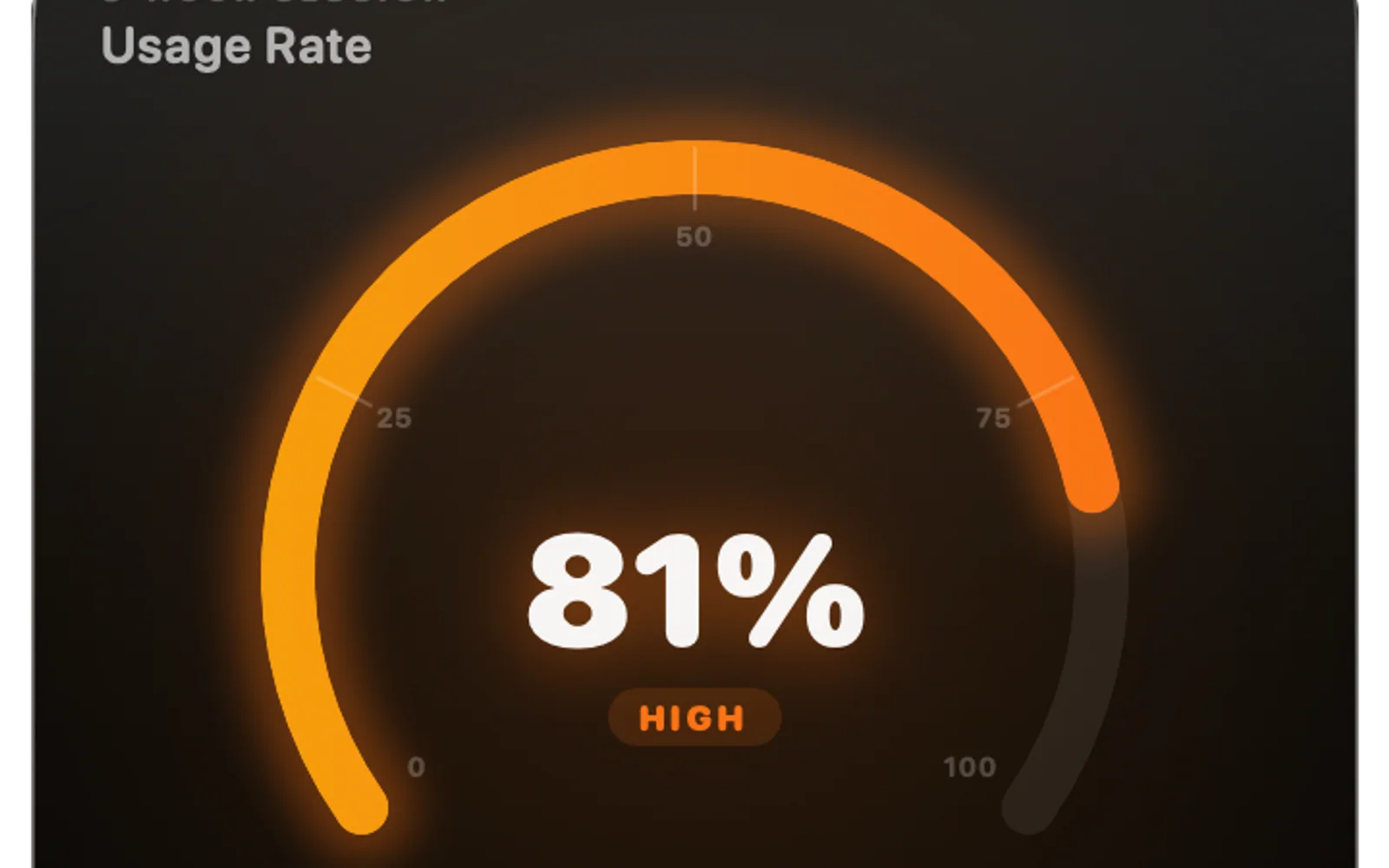
The visibility gap
When you use Claude Code as a primary development tool, token consumption becomes something you actively think about — not obsessively, but in the same way you glance at a battery indicator or a disk usage bar. You want ambient awareness. Not a dashboard you navigate to; a single glance while staying in whatever you were doing.
Claude doesn't expose a public API for usage data. The only way to check consumption is to open a browser tab, sign in, and navigate to the usage page. I was doing that several times a day. Each time I opened that tab I thought: this information belongs in my menu bar. It should be one glance, not four clicks. The problem was that there was no documented endpoint to build against.
Reading your own data
Claude's web app fetches usage data from an internal API endpoint — not a public one, but not a hidden one either. It's the same endpoint your browser hits when you visit the usage page. If you're authenticated, which I am in my own session, that endpoint is accessible to any HTTP client that can present the same credentials.
I think this is reasonable. I'm reading my own account data, from my own authenticated session, to display in a native app that runs only on my machine. This is meaningfully different from scraping someone else's data or reverse-engineering an API to gain an advantage. It's closer to: "I know where the browser fetches data it already fetched for me, and I want to use it more conveniently." The network archaeology — inspecting the request the web app makes, matching the headers and auth parameters, confirming the response schema — took a few hours. The result is a polling mechanism that fetches the same data the browser would, authenticated via the session cookie I already have.
I'm aware this is fragile. If Anthropic changes the endpoint shape, the app breaks. That's a reasonable trade-off for a personal tool. I documented the endpoint contract, and updating it when it changes is an hour of work, not a rewrite.
Making usage queryable from anywhere
Once the data is flowing, the interesting design question is how to surface it. The obvious answer is a menu bar popover — click the icon, see your usage. That's the baseline. What I built on top of it is what makes the app feel like a native macOS citizen rather than a web wrapper.
WidgetKit provides a Today widget that shows current-period usage in the Notification Center without opening anything. AppIntents registers Siri and Shortcuts actions for the app — "Hey Siri, how much Claude have I used today" is a real query that returns a real number. Combine drives reactive updates when the polling interval fires, so the menu bar icon and the widget stay in sync without manual refresh logic wired between them. UserNotifications fires an alert when I'm approaching a threshold I care about.
The AppIntents integration is the piece I'm most satisfied with. Registering a native intent means the data is also available in Shortcuts automations — I can build a shortcut that checks my usage before starting a long session and warns me if I'm close to a limit. That capability will never exist on the browser usage page.
Honest scale acknowledgment
Four thousand five hundred and eighty lines of Swift for a menu bar app is toward the larger end for a personal tool, mostly because WidgetKit and AppIntents each require their own extension targets with boilerplate that adds up. The core logic — fetch, parse, display — is maybe a quarter of that. The rest is the scaffolding required to be a well-behaved macOS citizen: extension entitlements, widget timeline providers, intent response types, notification category registration.
What this project demonstrates is a practical instinct: when a tool you use heavily doesn't give you the visibility you need, and the data is technically accessible, building the missing surface is within reach. The reverse-engineering part sounds more dramatic than it is — it is reading your own session data. The native integration surface — WidgetKit, AppIntents, Combine — is where the real design decisions lived, and those decisions are what make it feel like a system feature rather than a third-party add-on.
Did this resonate?
Love
Fire
Insightful
Clap
Thought-provoking
Comments
Loading comments...