Rishi Talks Mobile
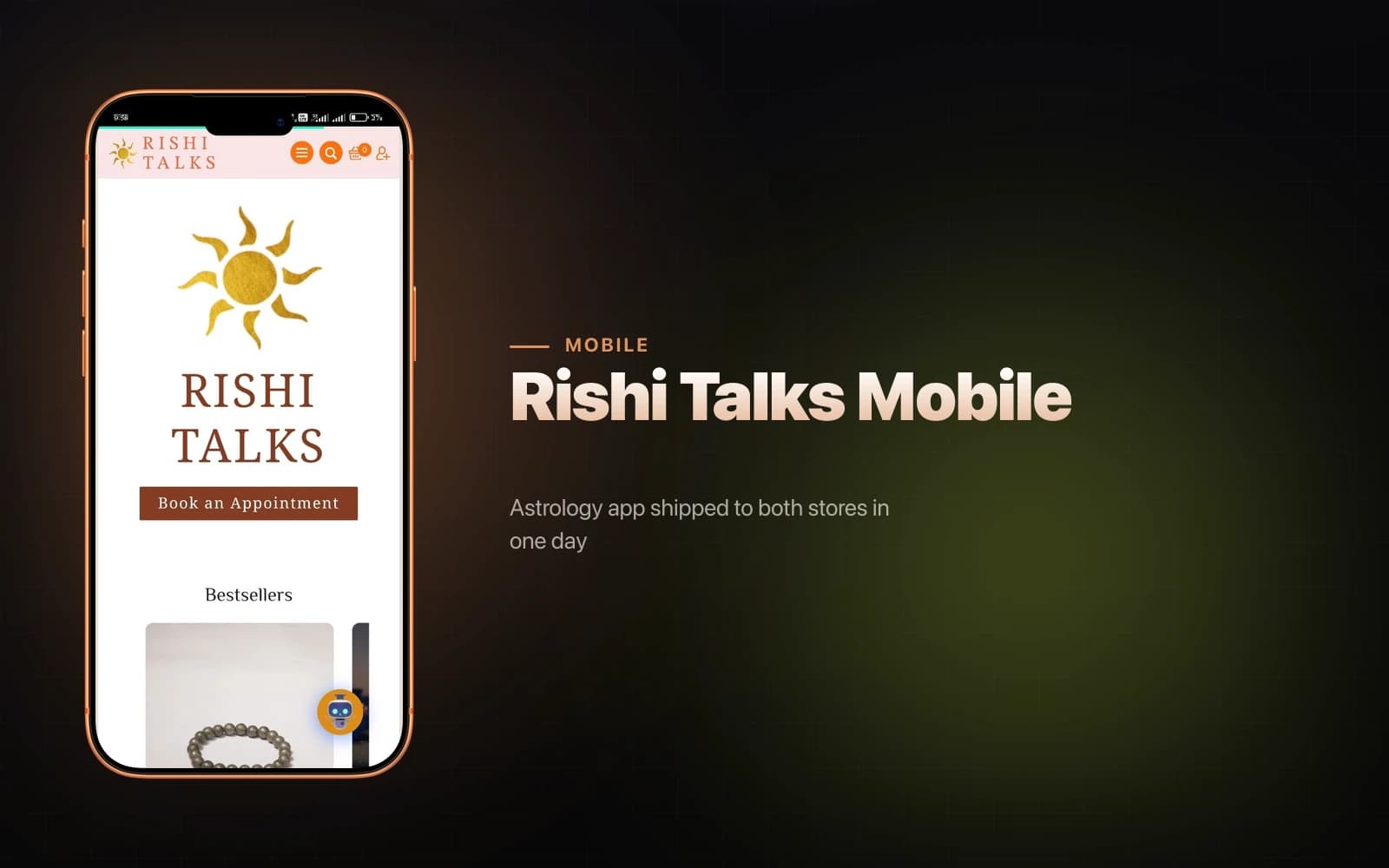
Astrology app shipped to both stores in one day
1 dayAndroid + iOS shipped
React NativeExpoTypeScriptEAS Buildreact-native-webviewGamezop
Overview
At Prachyam Studios I was often the only person who understood both the technical constraints and the business ones. When Rishi Talks — the astrology brand we were building out — needed App Store and Play Store presence, the conversation started with "can we rebuild the site natively?" and I had to redirect it fast. A full rebuild would take weeks and immediately fork the content workflow. The WordPress site was already live, already managed, already working. The right question wasn't "can we rebuild it" but "what does native actually need to give the user that the browser tab doesn't?"
The answer was four things: no browser chrome, a proper splash screen, native back-navigation on Android, and a real offline state instead of a blank white error. Everything else was already handled by WordPress. I built the wrapper, shipped both platforms, and closed my laptop — three commits, one day, October 27, 2025.
The Challenge
The speed constraint was real but it wasn't the hard part. The hard part was building a wrapper that didn't feel like one. Most WebView apps fail the same way: the splash screen disappears before the page loads, leaving a white flash; the back button either does nothing or closes the app when it should navigate back within the webview; network errors produce a generic system error screen that has nothing to do with the brand; and in-page JavaScript errors get misclassified as offline states, triggering the wrong recovery UI.
I'd seen all four of these problems in apps at Prachyam before. I knew exactly what caused each one and I built against them from the first commit rather than fixing them in debugging.
Architecture
The app is a single Expo SDK 54 screen using Expo Router 6 for file-based routing. react-native-webview 13.15.0 renders the site with React Native 0.81.5 and React 19.1. The New Architecture is enabled alongside the React Compiler experiment — not because Rishi Talks needed the performance headroom, but because every new project I start now ships with both enabled so I understand what breaks and what doesn't before it matters in production. EAS Build provides three profiles: development (dev-client), preview (internal APK), and production with auto-incrementing build numbers for store submission. There is no backend in the app itself — cacheEnabled: true on the WebView delegates caching to the system HTTP layer, which is sufficient for a content site.
Key Decisions
Holding the splash screen to onLoadEnd. The default Expo splash behavior hides after a fixed timer. A timer can't know when the WebView has actually painted content. I called SplashScreen.preventAutoHideAsync() immediately on mount and SplashScreen.hideAsync() only inside the WebView's onLoadEnd callback. The white flash is gone, not reduced — gone.
A typed error matrix instead of a single catch-all. This is the decision I think about most when I'm working on WebView projects. iOS and Android expose network errors completely differently: iOS uses numeric codes (-2 for failed connection, -1009 for no internet, -1003 for DNS failure), Android uses description strings. A naive implementation catches everything and shows an offline screen. That means a WordPress plugin throwing a JS error at runtime triggers the offline UI, which is wrong and confusing. I built a matrix that checks nativeEvent.code against known iOS values and string-matches Android descriptions, so only genuine connectivity failures route to the offline screen.
Unmounting the WebView while offline. The offline screen replaces the render tree rather than overlaying it. This isn't just visual — unmounting the WebView stops background reconnect attempts and releases the resource consumption of a running WebView instance. The online/offline transition is a clean state flip, not a modal toggle over a still-running browser process.
Gamezop for a new revenue line. This one came out of a revenue conversation, not a technical one. Prachyam had an engaged astrology audience that was already spending time in the app. Gamezop is a revenue-share platform that provides HTML5 games via a JS embed — no game development required. I proposed it, embedded the SDK on the WordPress side (which passes through the WebView transparently), and it became a new ad revenue channel with zero ongoing engineering cost. The lesson I drew was that the constraint "we don't have game development capacity" doesn't have to mean "we can't add a games feature."
Results
Both builds were confirmed working the same day the project started. The EAS project was handed to Prachyam ready for store submission. Gamezop added a revenue channel to both the website and the mobile app at no further cost.
More durable than any of the individual features was the pattern the project established. Typed offline detection. Splash held to first paint. WebView unmounted on disconnection. These aren't one-off decisions I made for Rishi Talks — they're the default I reach for now on any WebView project, because I built the evidence here that they work and the alternatives don't. Every constraint that felt like pressure in October 2025 became a decision I don't have to re-litigate.
Key Metrics
3
commits, all same day
5
network error codes handled cross-platform
0
game-dev cost for new revenue channel
Did this resonate?
Love
Fire
Insightful
Clap
Thought-provoking
Comments
Loading comments...