X-Type Android Keyboard
First native Android app — custom IME implementing the X-Type layout, built at age 16
2016first Android app
AndroidJavaXMLAndroid SDKInputMethodService
A Layout Incomplete Without Every Device
The X-Type keyboard layout existed as a working design — analyzed against corpus data, validated on the Patorjk analyzer, implemented on desktop. But I typed on a phone every day, and on the phone I was still using QWERTY. Every message, every search query, every note: muscle memory for one layout interrupted by the wrong default on a different surface.
The obvious thing was to fix it. The less obvious thing was that fixing it meant learning a new platform from scratch.
Learning Android by Necessity
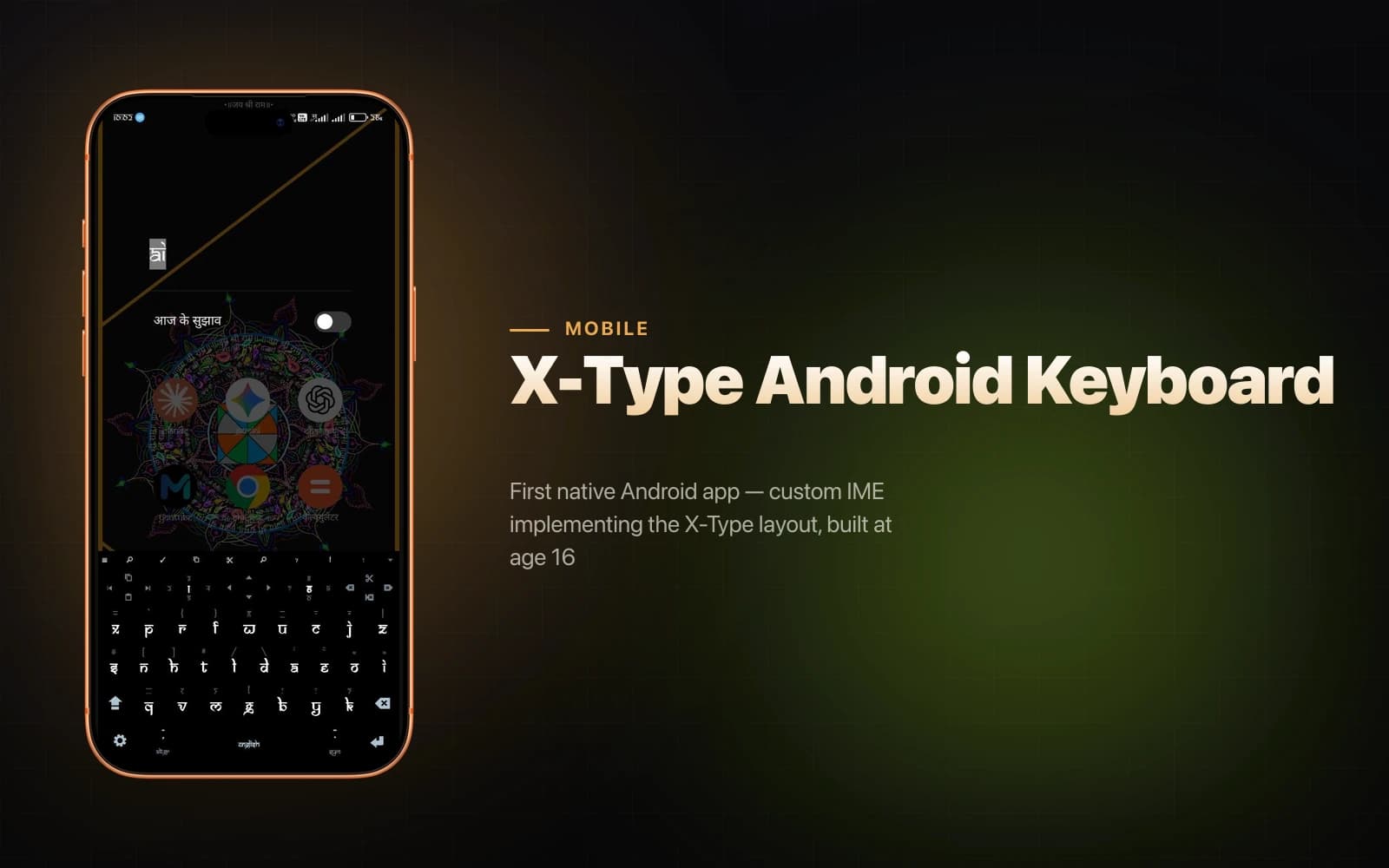
I was sixteen. I had no Java background and no Android experience. I found tutorials for Android's InputMethodService API, worked through them, and translated the X-Type key position specification into Android XML keyboard layout files.
The InputMethodService API is the right tool for this: it handles the entire IME lifecycle — when the keyboard appears, how it receives input events, how it routes key codes to the active text field. You implement the service, register it with the system, and Android treats it as a first-class keyboard option alongside the default. That means X-Type becomes available across every app on the device — messaging, browser, notes, everything — rather than just in one application.
The key geometry went into XML layout files that define row structure, key width and height, key labels, and the key codes sent on press. The translation from the desktop X-Type spec to those XML files was straightforward once I understood the format. The harder part was understanding the IME lifecycle well enough not to break text input in edge cases — apps with custom input types, password fields, number pads.
The Multi-OS Principle
This was the beginning of a policy I've held since: a layout I use daily should work everywhere I type daily. X-Type is now implemented on four operating systems — Android, Windows, Linux, and macOS. The macOS implementation alone involves 43 Karabiner-Elements manipulators across two JSON files with a 300ms tap-hold disambiguation window for dual-purpose symbol modifier layers.
The Android app was the first step in that rollout: proof that the layout could be ported to a touchscreen surface and used as the daily driver without reverting to QWERTY under pressure. The 213 WPM I type at now started with a sideloaded APK at sixteen and ten years of daily use across every device I own.
Did this resonate?
Love
Fire
Insightful
Clap
Thought-provoking
Comments
Loading comments...